 ShipStamp
What Size Is a Shipping Label? The UK Guide to 6×4, 4×6 and A4
Short answer: the standard shipping label is 6×4 inches, or 100×150mm. One size covers almost every UK parcel you’ll send. So why is it confusing? Because the labels turn up in your inbox as full A4 PDFs, ‘4×6’ and ‘6×4’ get used to mean the same thing, and one wrong print setting shrinks a perfectly good label to the size of a stamp. Here’s everything that actually matters.
The standard shipping label size: 6×4 (100×150mm)
If you sell on Vinted, eBay, Depop or your own shop, the label you print is almost always 6×4 inches — 152×102mm, near enough always rounded to 100×150mm. It’s the size thermal label printers are built around, the size label rolls come in, and the size every major UK courier designs its labels for. Buy a roll of 6×4 thermal labels and you can ship through any of them.
6×4 vs 4×6 — they’re the same label
This trips people up constantly. 6×4 and 4×6 are the same size. The numbers are the long edge and the short edge — six inches one way, four inches the other. Whether a listing says ‘6x4’ or ‘4x6’ depends only on which dimension the seller wrote first. When you buy labels or set up your printer, treat them as identical.
What size labels do the UK couriers use?
All of the big ones use the same 6×4 format, which is exactly why a single roll covers your whole packing table:
- Royal Mail (Click & Drop) — 6×4 / 100×150mm
- Evri — 6×4 / 100×150mm
- InPost — 6×4 label, but often sent inside a full A4 PDF (more on that below)
- Yodel — 6×4 / 100×150mm
The labels themselves are all the same size. The difference is thepackaging — how each courier hands the label to you, which is where the trouble starts.
The catch: your label arrives as an A4 PDF
Here’s the part the size charts don’t mention. The file your courier emails you usually isn’t a 6×4 label — it’s an A4 page with a 6×4 label printed somewhere on it, surrounded by instructions, cut lines and white space. InPost is the classic offender: the label is often rotated sideways and tucked at the bottom of the page.
Send that A4 page straight to a thermal printer loaded with 6×4 labels and one of two things happens. On ‘fit to page’ the whole A4 sheet is shrunk to label size, so your actual label ends up a tiny rectangle in the middle. At 100% scale you get the blank top-left corner of the page and the label runs off the edge. Either way the barcode won’t scan. We covered exactly why this happens, and the three-step fix, here.
Printing 6×4 labels: your three options
1. A thermal label printer. The cleanest route. Load a roll of 6×4 thermal labels, print at true size, no ink. Any thermal printer Windows can see works — see our supported printers list.
2. A4 sticker sheets, four to a page. If you don’t want a thermal printer, 6×4 sticker sheets divided into four labels let you print four parcels per A4 page on a normal printer. The snag is that most software won’t lay your labels out four-up — here’s the workaround.
3. Plain A4, one label per page. It works, but you waste most of the sheet, then cut and tape. Fine for the occasional parcel, painful at volume.
How ShipStamp handles label size for you
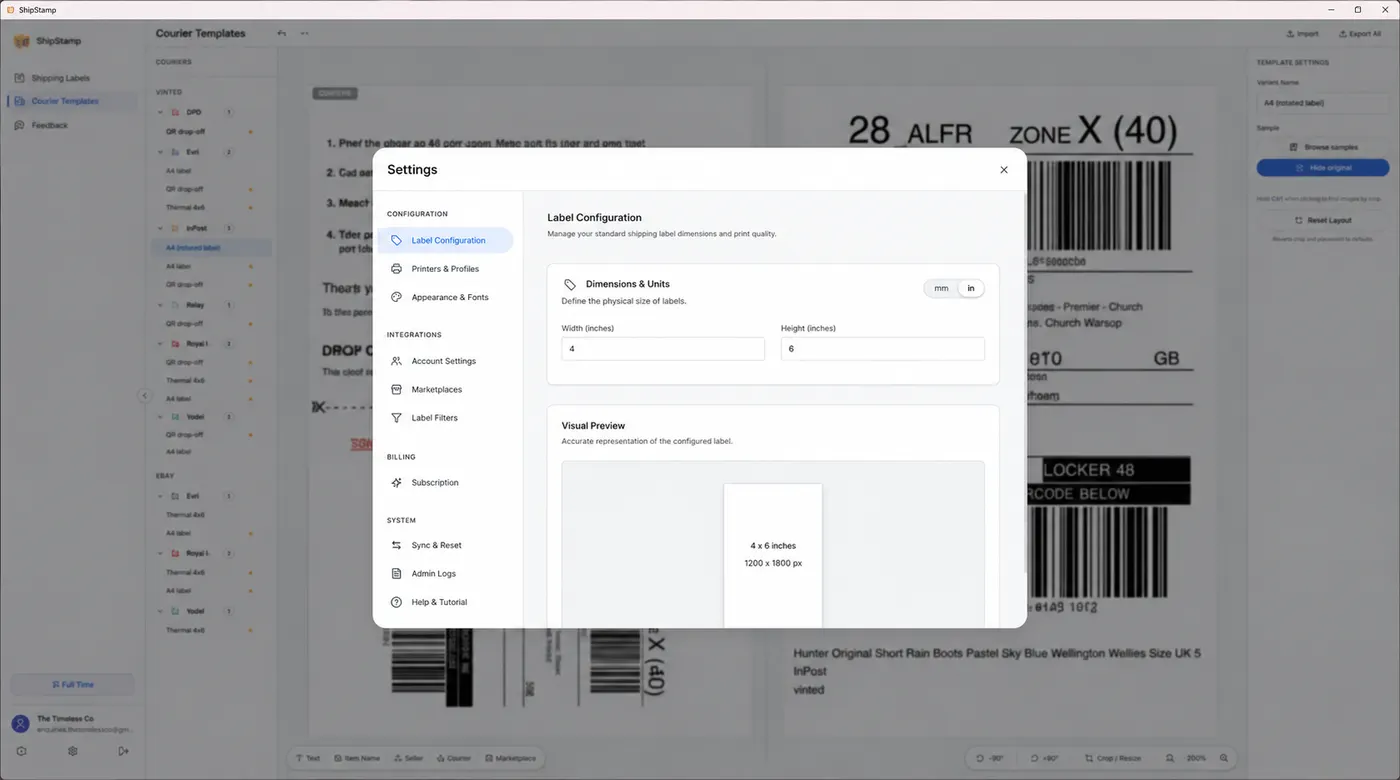
ShipStamp pulls your Vinted and eBay labels straight from your Gmail or Outlook inbox, crops each courier’s PDF down to the real 6×4 label, and shows you a true-size preview before anything prints. Set your label size once — 6×4 for a thermal roll, or any other dimensions your printer uses — and every label comes out correctly sized, with the barcode whole and scannable.
Common questions
What size is a standard shipping label?
6×4 inches (100×150mm). It’s the size thermal label printers use and the size Royal Mail, Evri, InPost and Yodel all design their labels for.
Is a 6×4 label the same as a 4×6 label?
Yes — identical. The two numbers are just the long and short edges; the order they’re written in doesn’t change the label.
Can I print a shipping label on A4 paper?
You can, but it wastes the page and means cutting and taping. A thermal printer with 6×4 labels, or A4 sticker sheets split into four labels, are both tidier. ShipStamp prints to either.
The easy way
Every label, the right size, the first time
ShipStamp finds your Vinted and eBay labels in your inbox, crops each one to the real 6×4 label, and prints it at true size to any printer Windows can see — thermal roll or A4 sticker sheet. No resizing, no wasted stock, no clipped barcodes.
Free to try, 50 labels included, no card required.
Get ShipStamp free on Windows