 ShipStamp
Best Thermal Label Printer for Vinted (UK, 2026)
Search for the best thermal printer for Vinted and you’ll find a wall of affiliate listicles ranking the same five machines. Most of them miss the point. For a UK home seller, almost any 4x6 thermal printer will do the job — the hardware is the easy part. This guide covers what actually matters when you choose one, and the bit nobody mentions that decides whether the printer makes your life easier or just adds a step.
The honest truth: the printer barely matters
Here’s the thing the buying guides won’t tell you, because it doesn’t sell affiliate clicks. For printing Vinted and eBay labels at home, the specific printer you buy makes very little difference. They all do the same job: take a 100x150mm label, heat it, push it out in about three seconds. A £50 printer and a £200 printer produce a barcode the courier scans identically.
What varies between models is build quality, software polish, and how loud the thing is. Those matter at the margins. But none of them change whether your label scans at the drop-off point. So before you spend an evening comparing spec sheets, take the pressure off: you are not going to ruin your shipping by picking the “wrong” one.
What to actually look for
A short list of things worth caring about, roughly in order.
It must take 100x150mm (4x6 inch) labels. This is the universal UK courier label size — Evri, InPost, Yodel and Royal Mail all fit it. It’s the most widely sold label, so rolls and fanfold packs are cheap and everywhere. Don’t buy a printer locked to an odd label size.
Direct thermal, not thermal transfer. Direct thermal uses heat-sensitive label stock and no ink or ribbon at all. Thermal transfer needs a ribbon, which is an extra consumable and an extra cost you don’t want for shipping labels. For parcels, direct thermal is correct.
A proper Windows driver. The printer needs to appear as a normal printer in Windows so any program can send a job to it. Most mainstream brands handle this fine. Avoid obscure models where the only way to print is through the manufacturer’s own clunky app.
Fanfold support is a nice-to-have. Fanfold labels are a stack rather than a roll. They lie flatter and don’t curl, which some sellers prefer. Not essential, but worth a look if you ship in volume.
The popular models in the UK, briefly
You’ll see the same names come up. Rollo and Polono are the common consumer choices — compact, around £80 to £130, well supported on Windows. Brother makes solid label printers with a more office feel. The DYMO 4XL is popular and prints the right size, though it’s pricier per label on DYMO’s own stock. At the top end, a Zebra is built for warehouses and is genuine overkill for a few dozen Vinted parcels a month, but they last forever if you find one second-hand.
Any of these will print your labels. Pick on price, reviews and how it looks on your desk. The differences between them are real but small, and they are not the thing standing between you and a quick packing session.
The bit the buying guides leave out
So you’ve bought the printer. You plug it in, install the driver, and load a roll of 4x6 labels. Then you go to print your first Vinted label and discover the problem nobody warned you about: the label doesn’t come ready for a 4x6 printer.
Vinted and eBay labels arrive as PDFs sized for A4. The actual label is a small rectangle sitting on a big blank page. Send that straight to your shiny new thermal printer and it either prints a stamp-sized label in the corner or chops the barcode in half. The printer is working perfectly. The PDF is the problem.
This is the step the affiliate guides skip, because it’s not about hardware. To get a clean label, you have to crop the PDF down to the label, sometimes rotate it, and print it at 100 percent to a 4x6 media setting. Do that by hand, in a PDF viewer, for every sale, and the thermal printer you bought to save time has quietly added a fiddly manual step instead.
Buy the printer for the speed. Solve the workflow separately
A thermal printer is absolutely worth it once you’re shipping more than fifteen or twenty items a month. Waterproof labels, no ink, three seconds a print, peel and stick. That part is real and the upgrade is satisfying.
Just go in knowing the printer solves the printing, not the finding, downloading, cropping and sizing that comes before it. Those are a software problem, and they’re the same whether your printer cost £50 or £250. Sort both halves and packing genuinely takes minutes. Sort only the hardware and you’ll wonder why it still feels like a chore.
Common questions
What size labels do I need for Vinted?
A 100x150mm (4x6 inch) thermal label is the standard size for UK courier labels, including Evri, InPost, Yodel and Royal Mail. Any thermal printer that takes a 4x6 roll or fanfold stack works. It’s the most common label size sold, so consumables are cheap and easy to find.
How much does a thermal label printer cost for Vinted selling?
Entry-level direct thermal printers start around £40 to £60. Mid-range models from Rollo, Polono or Brother sit between £80 and £150. You don’t need an expensive Zebra industrial unit for home selling — the cheaper consumer models print the same 4x6 label perfectly well.
Do I need special software for a thermal label printer?
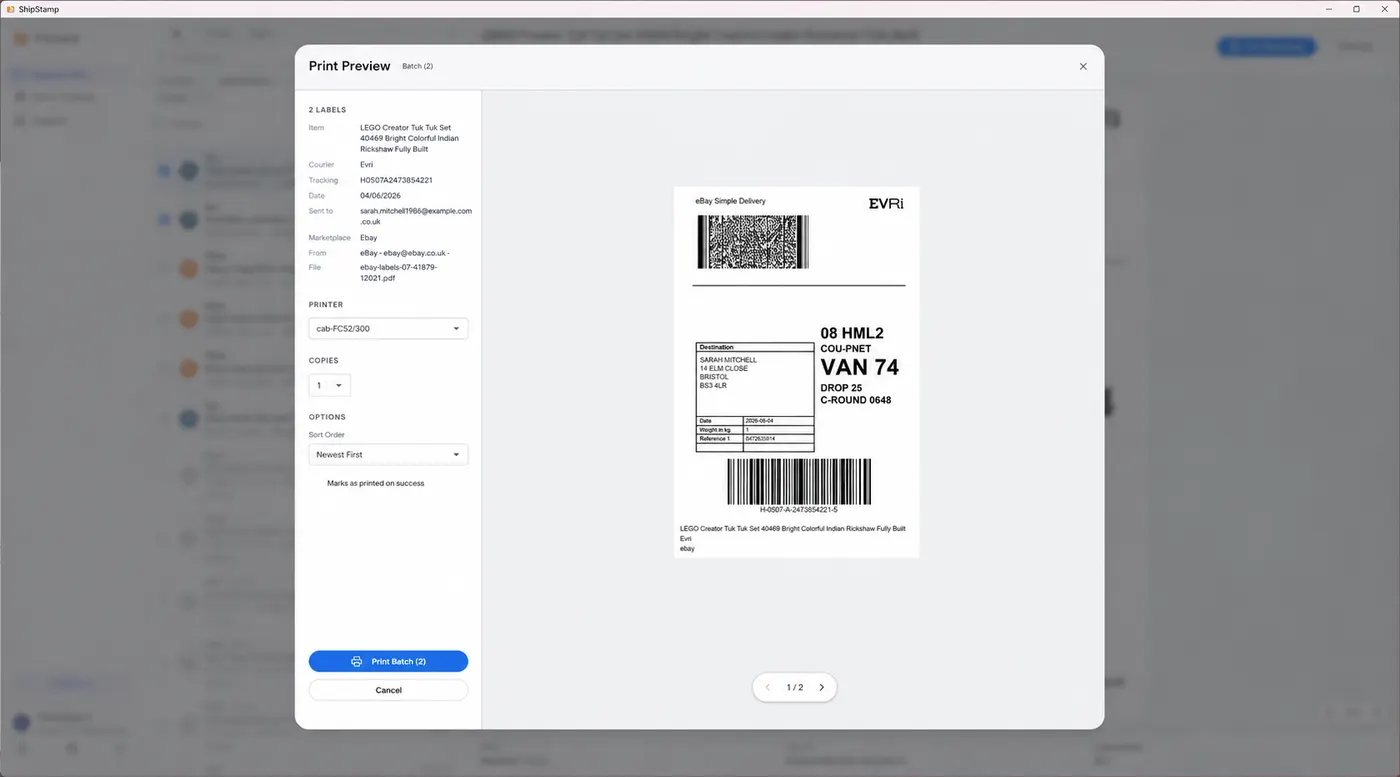
The printer works with the Windows driver, but Vinted and eBay labels arrive as PDFs sized for A4, not for a 4x6 label. You either crop and resize each one by hand in a PDF viewer, or use software like ShipStamp that pulls the labels from your inbox and prints them at the correct size automatically.
The fix
Get the most out of whatever thermal printer you buy
ShipStamp connects to your Gmail or Outlook inbox, finds every Vinted and eBay label automatically, sizes each one correctly for your printer, and sends it off in one click. It works with any printer Windows can see — thermal, inkjet or laser — so it doesn’t matter which model you chose.
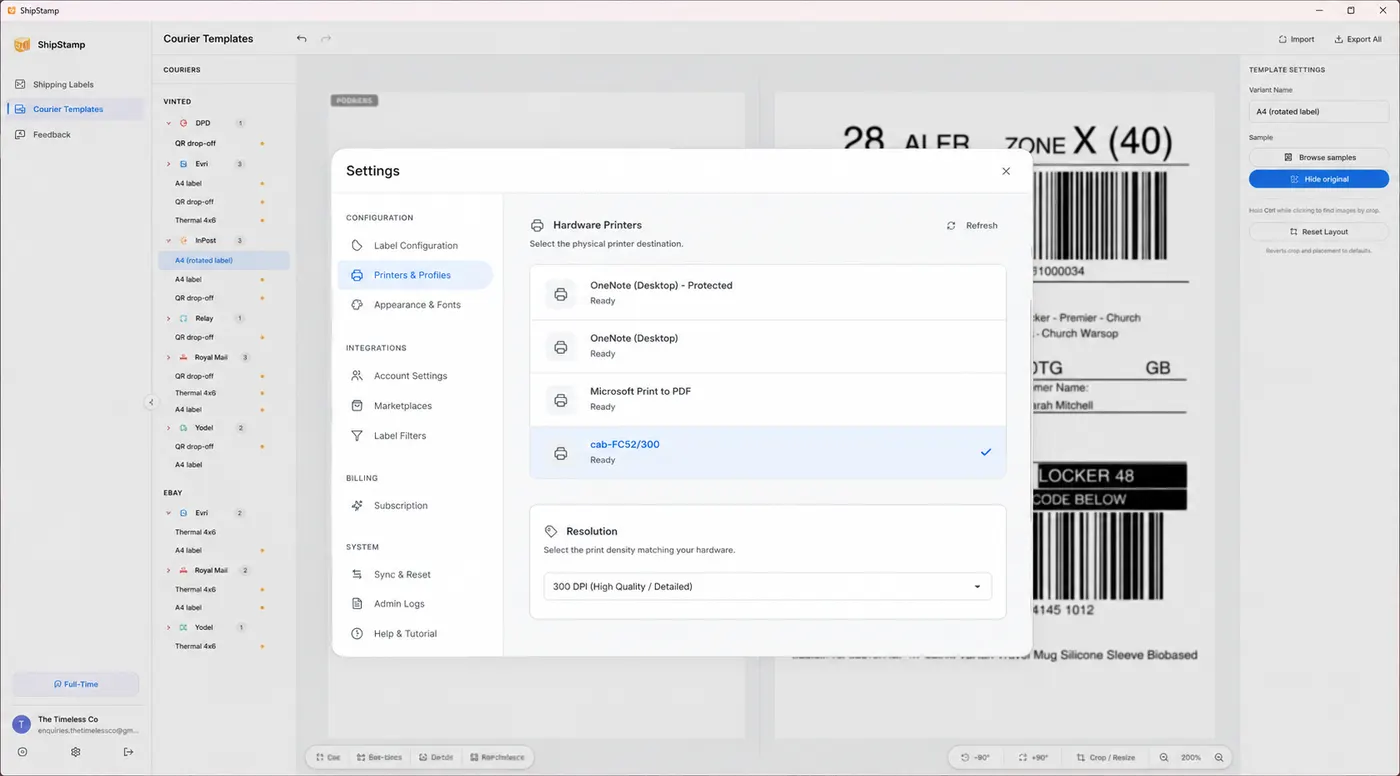
Each courier’s crop and orientation are saved once, so the awkward A4-to-4x6 problem is handled for you. And when you batch a lot at once on a standard printer, you can lay four or six labels onto a single A4 sheet rather than burning a page per label.
Free to try. 50 labels included, no card required.
Join the waitlist